
LazyEdit Studio
Turn multilingual videos into polished stories in minutes.
LazyEdit Studio automates transcription, translation, keyframe analysis, captions, and subtitle burning so teams can edit fast and publish globally.
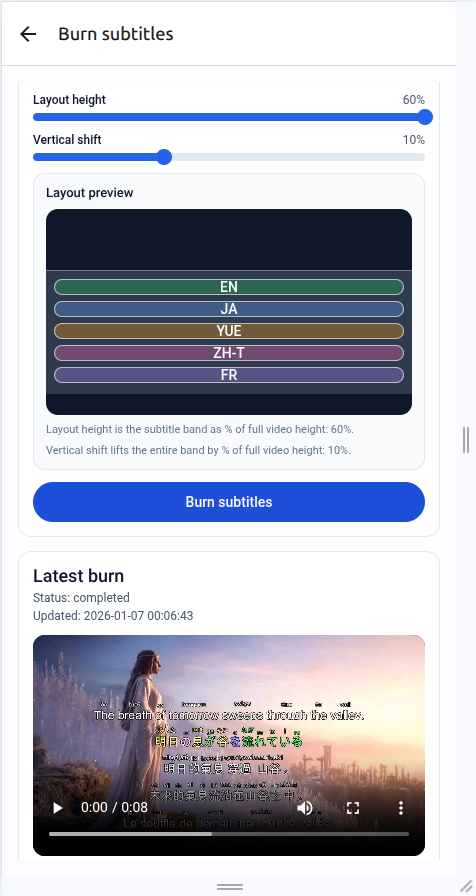
Product demos
Explore the end-to-end workflow from upload to burning multilingual subtitles.
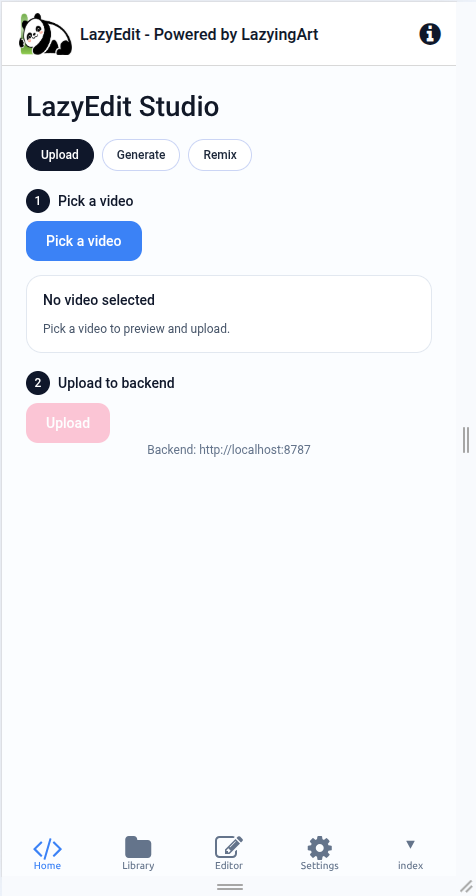
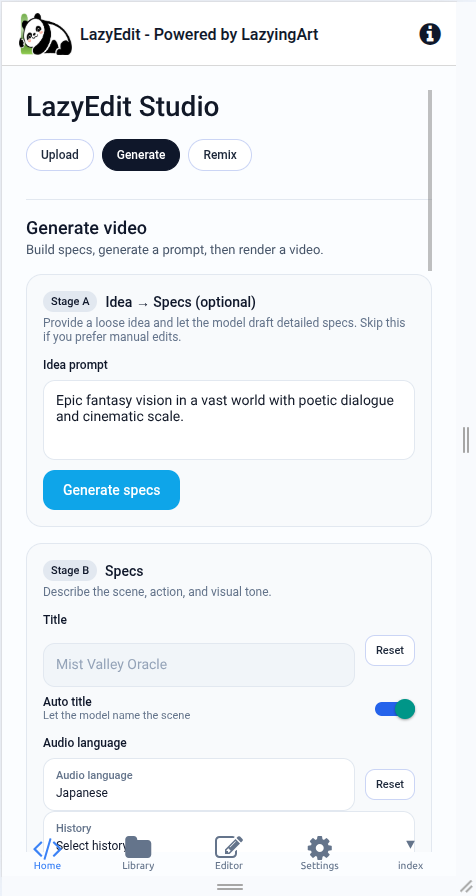
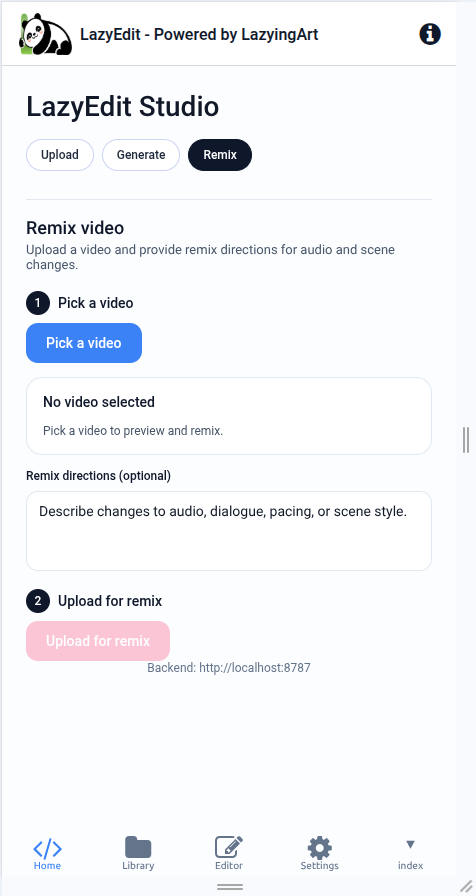
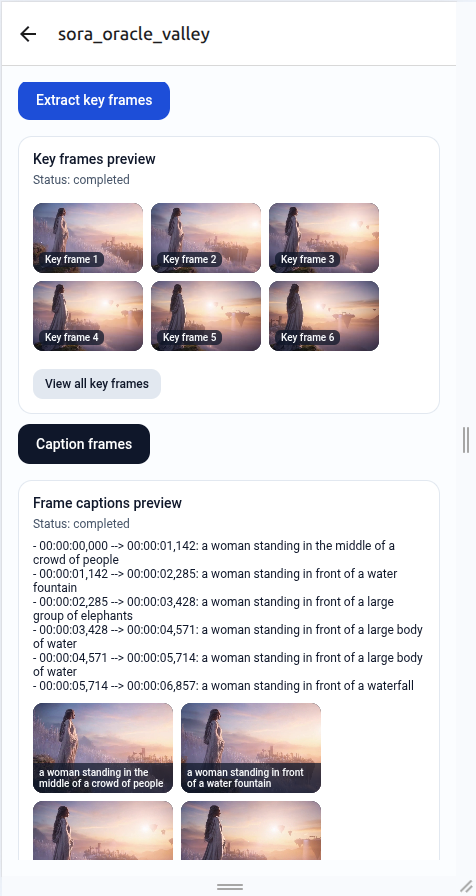
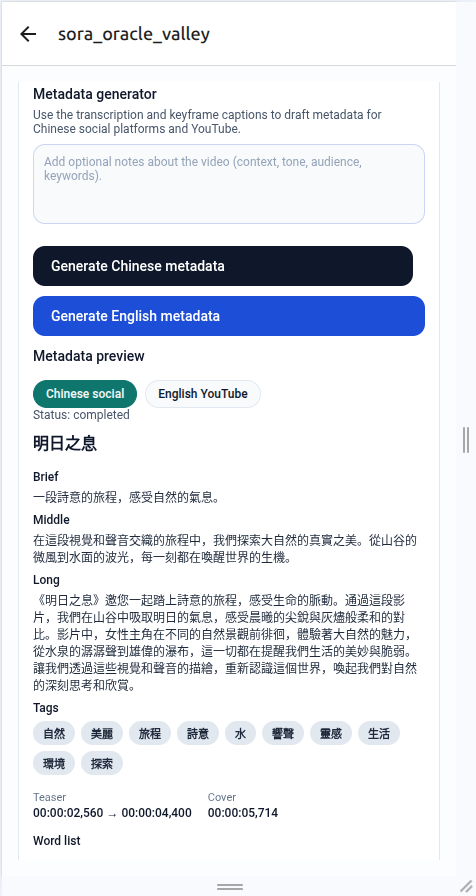
Studio workflow
Every stage is designed to reduce manual effort and keep multilingual content consistent.
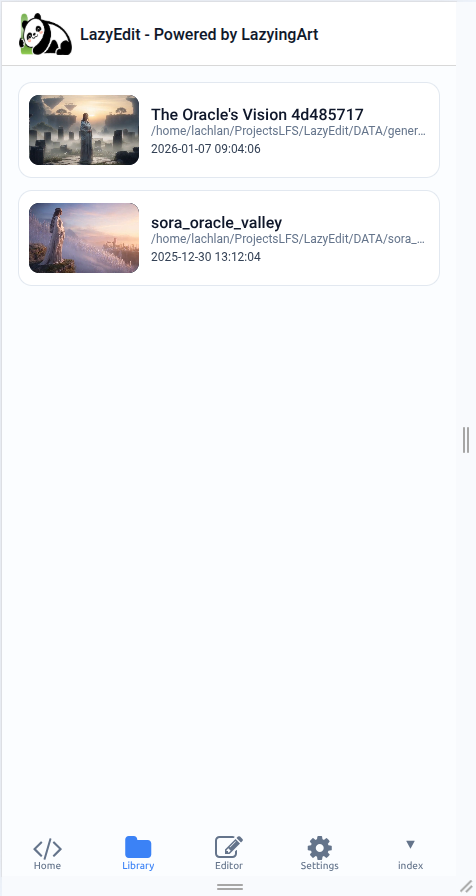
1. Upload or generate
Bring in existing footage, generate new clips, or remix sequences with the AI tools.
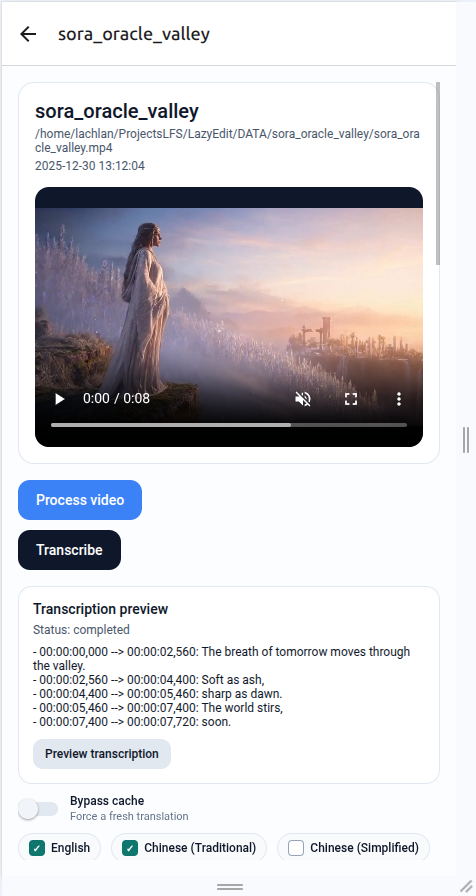
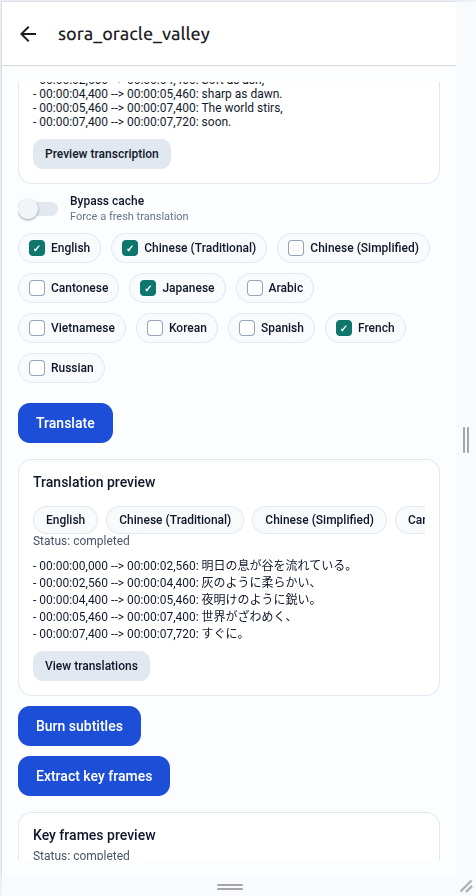
2. Transcribe and translate
Auto transcription and multi-language translation keep subtitle tracks aligned with timecodes.
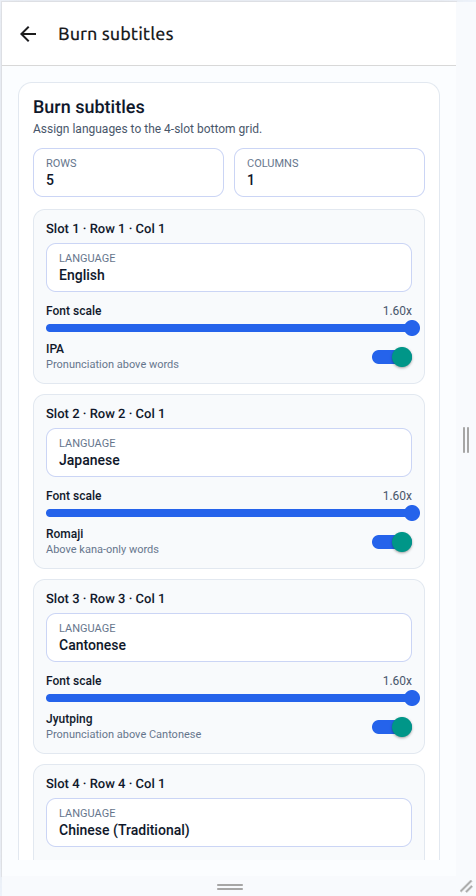
3. Burn and publish
Assign subtitle layouts, preview keyframes, and burn the final subtitle stack.
Highlights
Built to keep complex subtitle pipelines clean, readable, and production ready.
AI subtitle engine
Transcribe, translate, and align subtitles with consistent language styling and cache controls.
Keyframe intelligence
Extract keyframes, caption them, and reuse the results for metadata and publishing.
Burn layout studio
Assign multiple languages to stacked slots with layout previews, IPA, romaji, and pinyin options.
Metadata generator
Draft Chinese social and English YouTube metadata directly from transcription and captions.
Ready to ship multilingual video edits?
Launch LazyEdit Studio locally or connect the backend for production workflows.